



This module lives on the About page — see Appendix A.1 to access it, then scroll down to Historical Timeline.

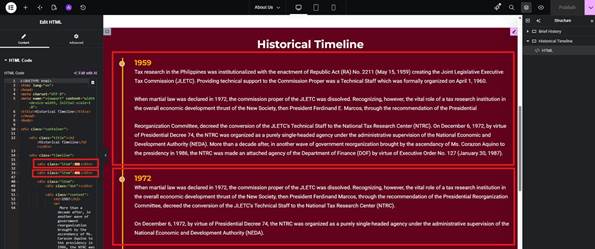
The Historical Timeline is a custom code block using HTML elements. Each item lives inside its own item <div>.
Adding a Timeline Item #
- Copy the block of code starting with <div class=”item”> through its closing </div>
- Paste it into your preferred location
- Update the necessary contents (e.g. text, year, etc.)
- Save changes
Deleting a Timeline Item #
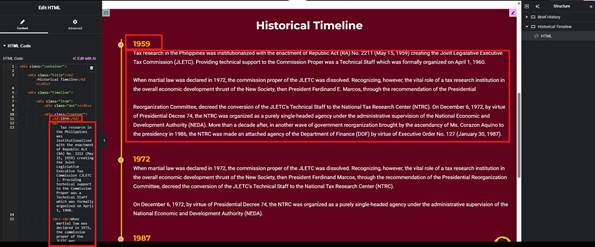
- Highlight the block of code starting with <div class=”item”> through its closing </div>
- Delete the whole block
- Save changes